
The Lepsto CLI is live
Install and use the CLI
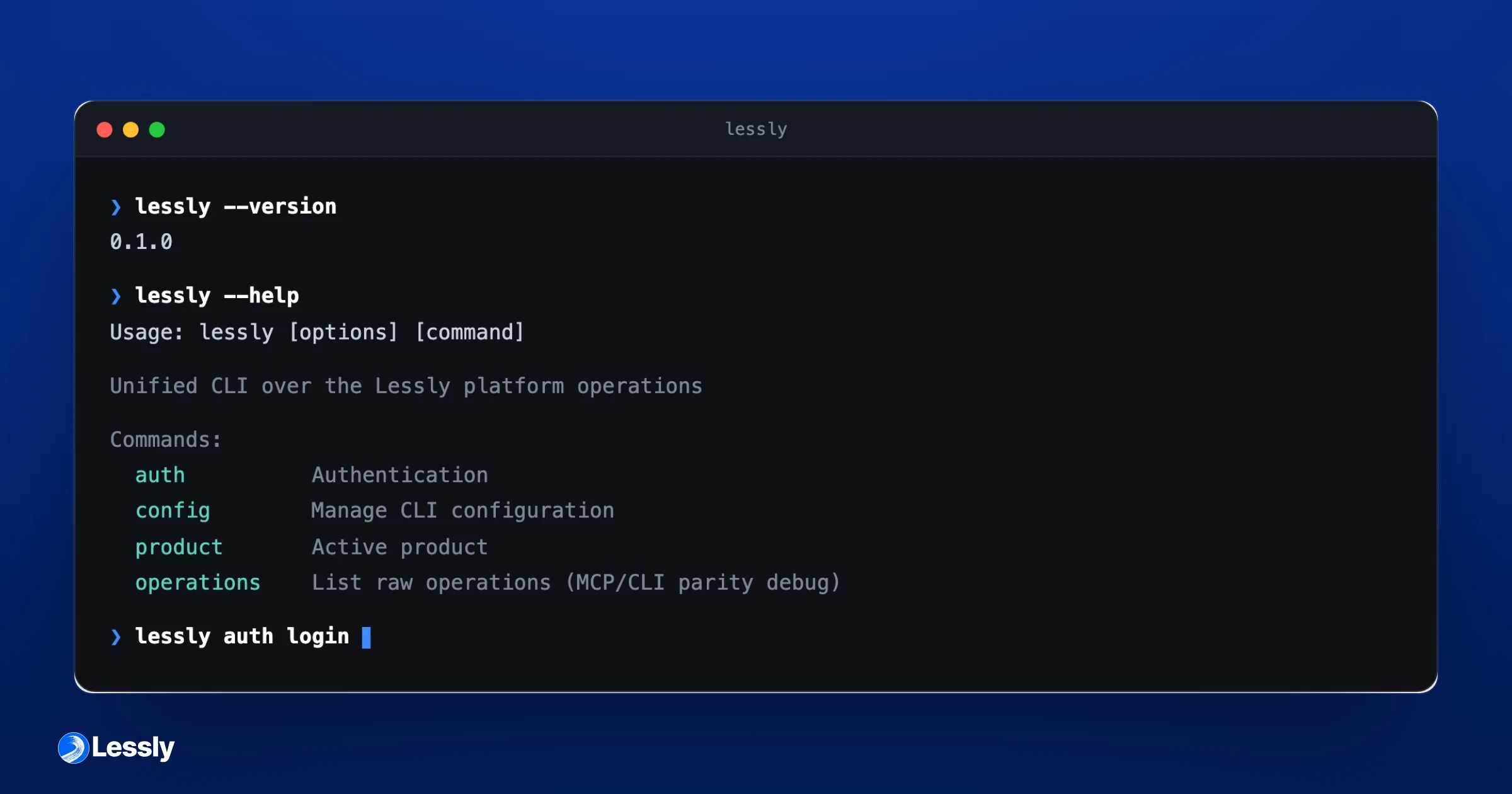
The Lepsto CLI lets teams with private-beta access run platform operations from a terminal, an agent, or CI. Installation requires the Lepsto package registry; the package is not on public npm.
Updated September 8, 2026 to reflect current capabilities. The publication date above is the original announcement date.
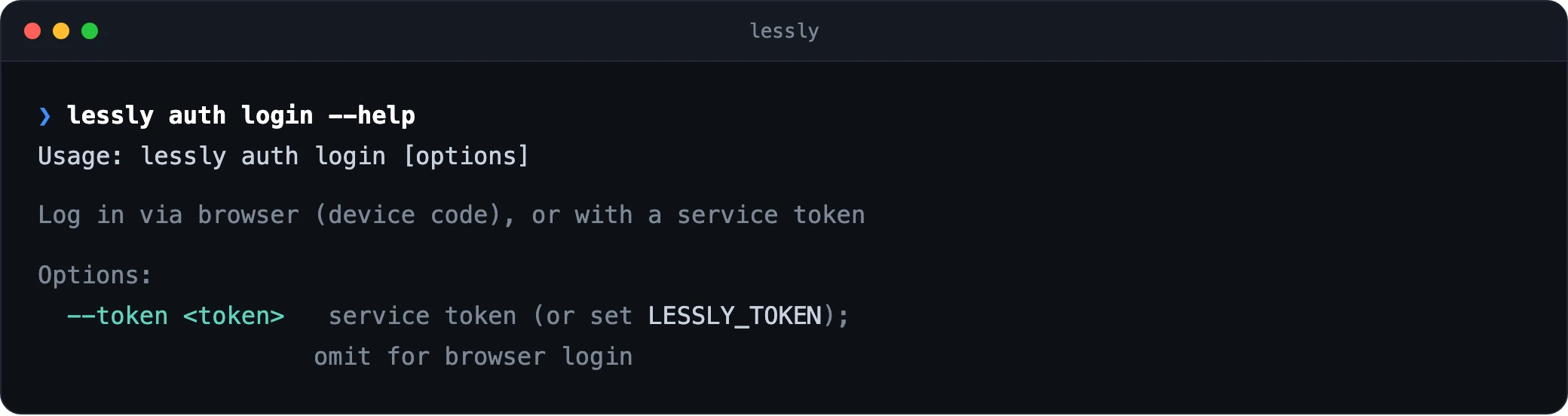
Configure the registry for the @lepsto scope, then install @lepsto/cli. Run lepsto auth login and approve the request in your browser. An unattended job can use lepsto auth login --token with a suitable token instead.
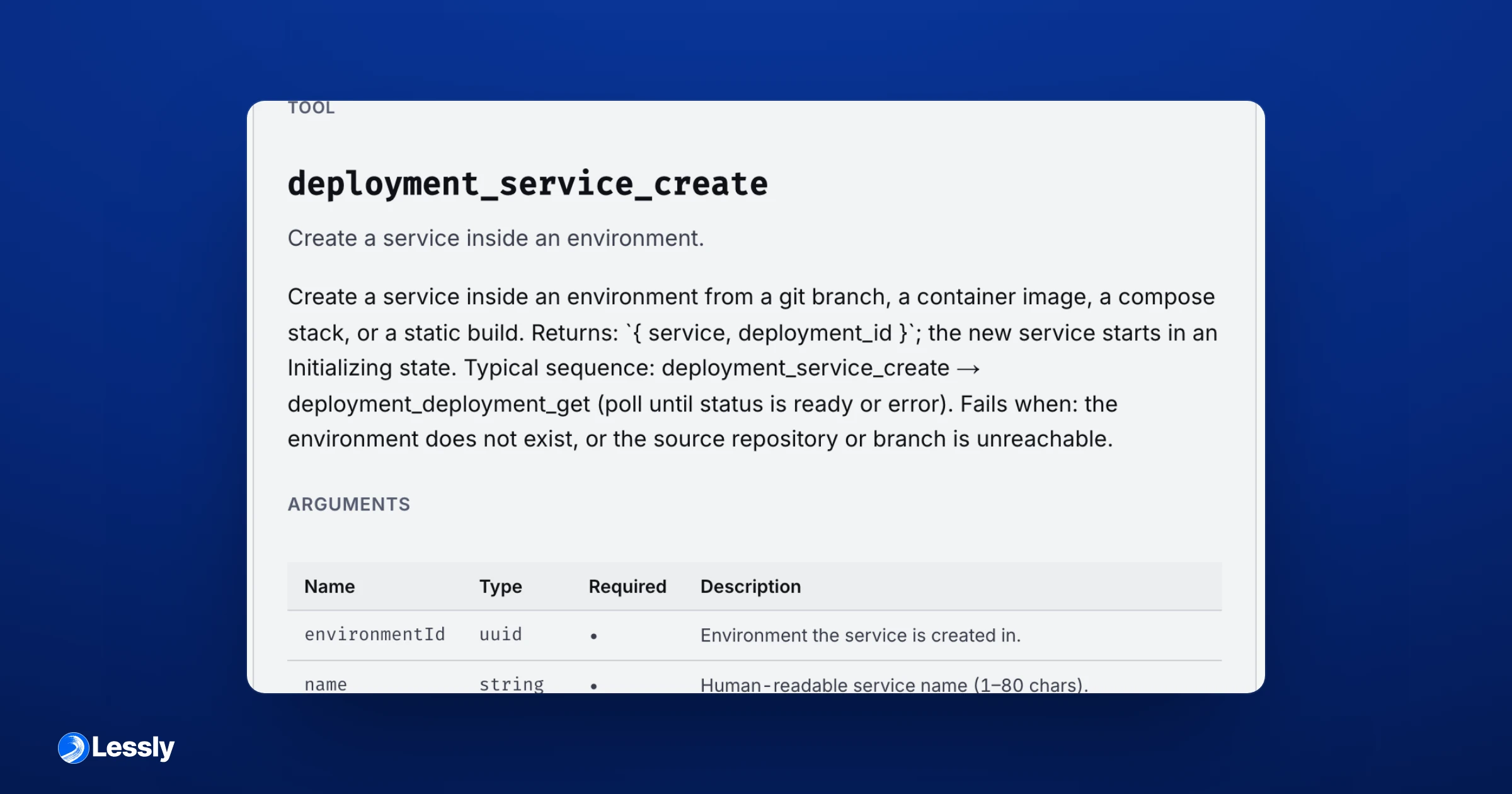
The commands come from the platform's operation catalog. Authentication does not narrow your access by itself: check the credential and selected product before running a write. For an example of a shell-based agent session, read Run Lepsto from an agent that uses the shell.